
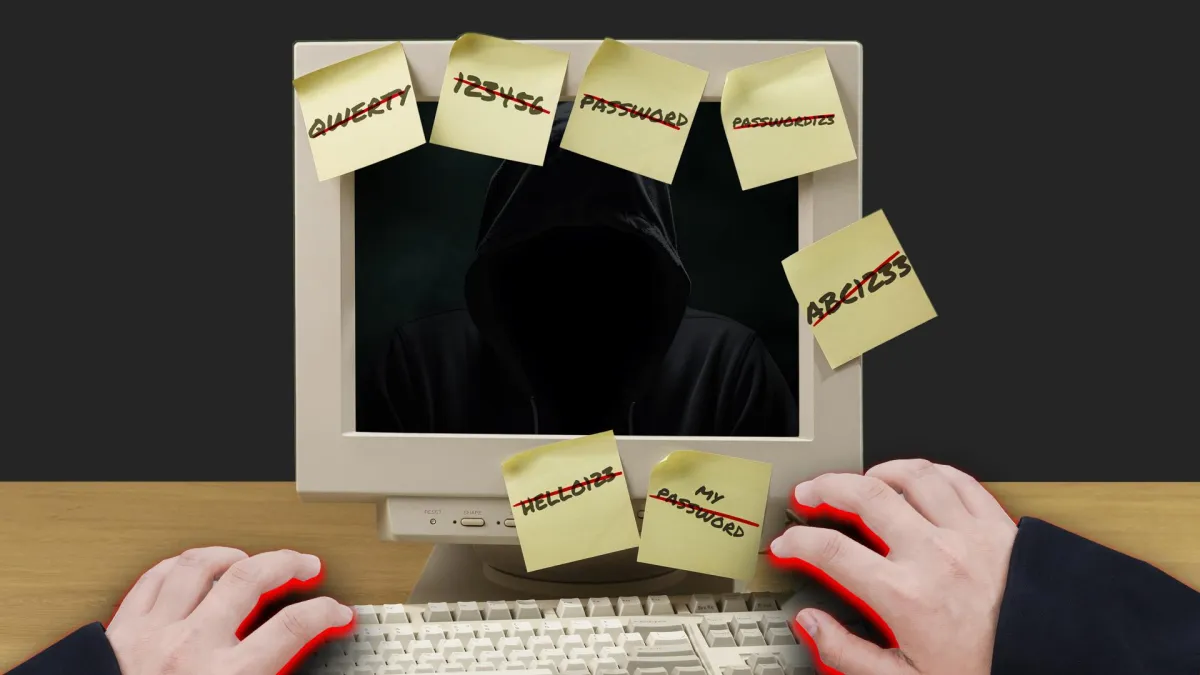
The Internet's Worst Habit
Every year the list of most common passwords makes the rounds online, and every year it’s the same bad news. People are still using “123456” and “password” like it’s 1999. Hackers don’t need expensive tools when people hand them the keys.
Here’s the kicker. Research shows that 40% of employee passwords at work are the same ones people use for shopping sites and social media. That’s like locking the front door of your office but leaving every window wide open.
The truth is, MSPs can set up firewalls and monitoring all day long. But if your employees are protecting company data with weak passwords, you’ve left the door cracked. One lazy password can undo everything.
Let’s talk about how to build password security that actually works.
Step 1: Stop Pretending “Good Enough” is Good Enough
Most people think their passwords are fine. They aren’t. Short, simple, and recycled passwords are an open invitation to attackers.
Here’s what a strong password looks like:
- Length matters. Aim for at least 12 to 16 characters.
- Complexity counts. Mix uppercase, lowercase, numbers, and symbols.
- Predictability is a problem. Birthdays, pets, or favourite teams are easy guesses.
- Recycling is risky. If one account is hacked, every reused login falls with it.
- Passphrases work. Random strings of words like “desk-lamp-marathon-cookie” are strong and easier to remember.
If your business doesn’t enforce this across the board, you’re not secure.
Step 2: Rotate Before It’s Too Late
Passwords should never stay static. A password that worked yesterday could already be floating around the dark web today.
The smart move is to change them every 3 to 6 months, or immediately if there’s even a hint of a breach. And this applies to everything: work accounts, email, company devices, and the apps your team uses every day.
Step 3: Rethink Security Questions
Most “security questions” are anything but secure. Mother’s maiden name. First pet. High school mascot. That’s all information someone can pull from social media in minutes.
If you have to use security questions, make the answers unpredictable. Better yet, treat them like an extra password and create something unique that isn’t tied to your personal life.
Step 4: Never Share Passwords
Handing someone your password is like making a copy of your house key and hoping they never lose it. Once it’s out of your hands, you have no control. If their device is hacked, your account is too.
The rule is simple: never share passwords. Not with family, not with friends, not with coworkers.
Step 5: Use a Password Manager
People are terrible at passwords. They make them too simple, reuse them everywhere, or write them on sticky notes. A password manager fixes that.
Here’s why businesses should be using one:
- It generates long, complex passwords.
- It stores them securely with encryption.
- It works across all devices so passwords are accessible but locked down.
- It gives admins control to enforce rules, revoke access, and spot risks.
The biggest pushback is that password managers seem complicated. But here’s the truth: resetting a dozen accounts after a hack is far more complicated.
The Move
Hackers don’t need to break in when weak passwords leave the door wide open. And small businesses are not “too small” to be targeted. One stolen password can lead to lost money, lost clients, and a reputation you’ll never get back.
If you want real security, it has to start with company-wide password policies that your employees actually follow. Businesses that treat passwords as serious security tools don’t just avoid breaches. They build a culture where safety is baked into everything.
Here’s the move. If you want to stop leaving the door open for attackers, it’s time to get serious about password security.


